Showing posts with label GitHub. Show all posts

Thursday, March 10, 2016

How to add new repository to GitHub


  • Step 1 open Github and the login with you username and password https://github.com/ click this web site. then you will see following home page 
    GitHub page


  • Step 2 Click on create repository as highlighted in above image, now you will be directed towards new page.
    Repository in GitHub


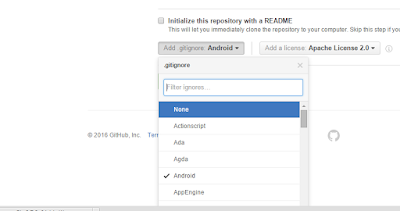
  • Step 3 Give name to you repository and select the access modifier (private or public) and then click on ADD button gitignore and ADD button License to select it then click on create repository.
    Github not displayed


Github
  • Finally repository will be created and you will see following page 

how to get start with GitHub and How to install it

         Hello friends its very useful to work with Github and post project on it, it provide you single time update for small components in your project from PC to Server.
Go to you web-browser and open Github Click here.then to start with git hub Click on Signup->

       Choose username and your email then click signup and you account will be created, choose
free if you want to submit public projects.

      So you will be directed to this page so now click finish sign up and select plan if you prefer
 private project. then click to http://git-scm.com/download and you will see download page so now download Github.
Select your operating system and click there where marked

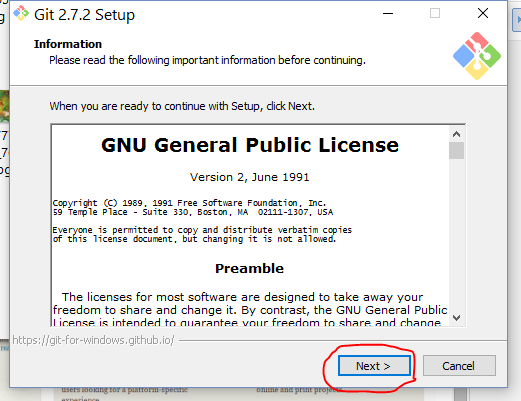
      As setup is download the run installation by clicking the next button


          This was you will have  2 icons Git CMD and Git GUI you need, GitCMD is used to run and maintain repository on GitHub.
 
         This is Git CMD so can execute your command in this window.I use microsoft windows so I get this GIT CMD but you may get different GIT CMD as your Operating System.